
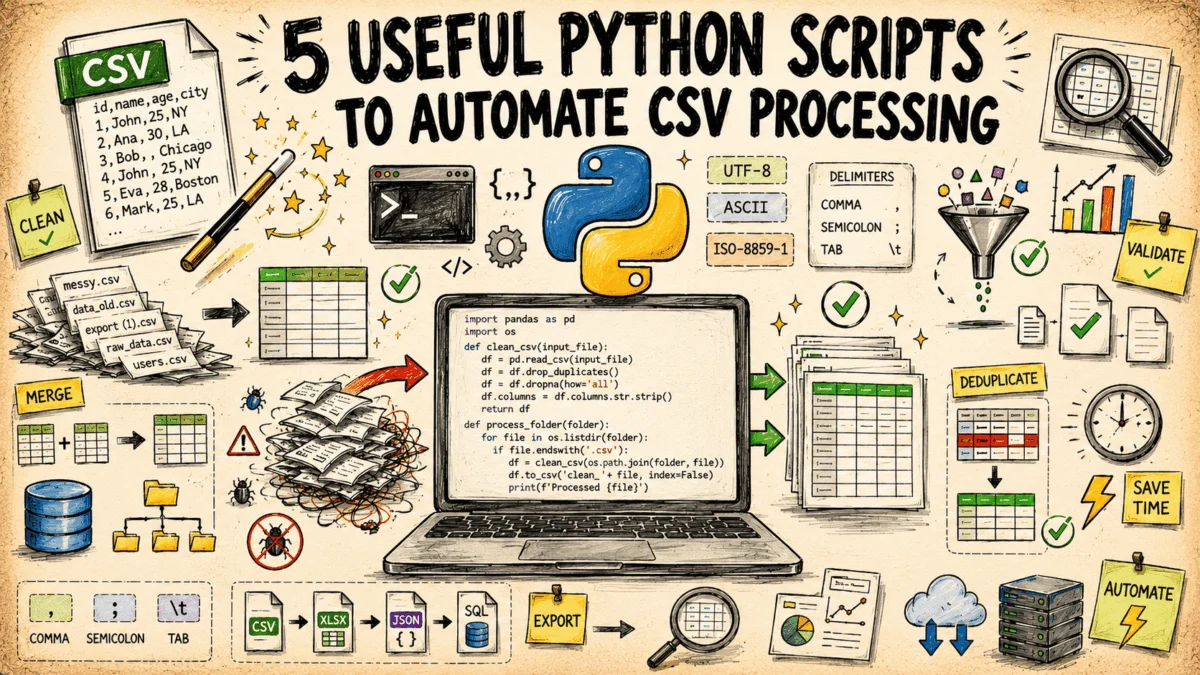
The Comma-Separated Values (CSV) file format remains the lingua franca of data exchange in modern enterprise environments. Despite the rise of sophisticated cloud data warehouses, NoSQL databases, and complex APIs, the simplicity of the CSV file ensures its continued dominance. According to recent surveys on data engineering workflows, nearly 85% of data practitioners report that their daily pipelines involve at least one CSV file, often originating from legacy banking systems, retail inventory exports, or automated application logs. However, this ubiquity brings persistent technical challenges, including inconsistent delimiters, encoding failures, and silent data corruption.
To address these inefficiencies, a new suite of standardized Python scripts has been developed to automate the repetitive tasks associated with CSV maintenance. By utilizing only the Python standard library—bypassing the need for heavy external dependencies like Pandas—these tools offer a lightweight, high-performance solution for data professionals looking to streamline their ingestion pipelines.
The Persistent Problem of Data Inconsistency
The history of the CSV format dates back to the early days of personal computing, where it served as a simple bridge between disparate software packages. Because there is no rigid, universally enforced "CSV specification"—beyond the general structure defined in RFC 4180—data producers often generate files that violate standard assumptions.
Common errors include "delimiter drift," where a semicolon or tab is substituted for a comma without notice, or encoding mismatches, where a file exported from a legacy Windows-based system uses CP1252 encoding, while the destination system expects UTF-8. These inconsistencies are not merely administrative nuisances; they represent significant technical debt. When a pipeline fails due to an unexpected schema change or a character encoding error, the resulting downtime can cost enterprises thousands of dollars in lost productivity and delayed analytical insights.
A Chronology of Automated CSV Handling
Historically, data engineers relied on custom, one-off scripts—often written in Bash or Perl—to handle these edge cases. As Python gained prominence in the data science community, it became the tool of choice, though early implementations often relied on heavy libraries. The current shift toward using the Python standard library for these tasks represents a "minimalist" movement in data engineering.
By leveraging native modules like csv, json, and hashlib, developers can now create robust, portable scripts that run in any environment—from local development workstations to restricted CI/CD runners—without the security risks or deployment overhead associated with installing third-party packages.
Technical Deep Dive: The Five Essential Scripts
1. Schema Validation at the Edge
The schema validator serves as a gatekeeper for data ingestion. Unlike traditional database constraints that only trigger upon insertion, this script inspects files at the point of origin. By comparing a CSV against a JSON-defined schema, the script ensures that required columns exist and that data types match expectations. It does not simply return a binary "Pass/Fail" result; instead, it generates a comprehensive audit log identifying the exact row and column where a violation occurred. This is particularly critical for financial data, where a missing decimal point or an incorrectly formatted date can lead to catastrophic reconciliation errors downstream.
2. Row-Level Differential Analysis
Comparing two versions of a large dataset is a common auditing requirement. The row-level diff tool addresses this by using unique identifiers to map rows between two files. By focusing exclusively on "delta" changes—added, removed, or modified entries—it allows auditors to ignore unchanged records, which often constitute the vast majority of a file. This reduces the mental load on analysts and ensures that critical changes in pricing, customer information, or inventory levels are highlighted with precision.
3. Encoding and Delimiter Normalization
The "Normalizer" script acts as an automated triage tool. It employs a two-stage process: first, it samples the file’s binary stream to detect encoding and delimiter patterns; second, it rewrites the file into a standardized UTF-8, comma-delimited format. This process effectively strips problematic byte-order marks (BOM) and corrects non-standard line endings, which are common culprits in "File not found" or "Index out of range" errors in legacy data systems.
4. Configurable Column Transformation
Data shaping—the process of renaming, dropping, or reordering columns—is often performed manually in spreadsheet software. This manual approach is non-reproducible and prone to human error. The transformation script replaces manual manipulation with a configuration-driven approach. By defining operations in a JSON config file, organizations can enforce standardized naming conventions across all departments. This ensures that a customer_id column is never accidentally renamed to user_id by different teams, preserving the integrity of downstream data models.
5. Reservoir Sampling and Anonymization
In an era of stringent data privacy regulations like GDPR and CCPA, sharing raw production data for testing or support purposes is a significant liability. The sampler and anonymizer script mitigates this risk by providing a dual function: it uses reservoir sampling to pull a statistically valid, random slice of data from a large file, and it applies keyed hashing to sensitive fields. Because the hashing is consistent within a single run, the data remains functional for testing purposes while ensuring that personally identifiable information (PII) is masked and irreversible.
Implications for Data Infrastructure
The broader impact of these tools lies in the transition from "ad-hoc data cleaning" to "data engineering as code." When tasks that were previously performed in a spreadsheet are moved into a version-controlled, script-based workflow, they become auditable and repeatable.
Industry analysts have observed that organizations adopting such automated workflows report a 30% reduction in "data firefighting"—the time spent debugging data ingestion failures. Furthermore, by standardizing the way CSVs are processed, companies can improve the interoperability between their various software stacks. As data continues to grow in volume and velocity, the ability to sanitize and transform files with minimal computational overhead is no longer just a "nice to have"; it is a foundational requirement for any scalable data architecture.
Analysis: Security and Performance
A key advantage of the scripts described is their reliance on streaming rather than loading entire files into system memory. By using csv.DictReader and csv.DictWriter, these scripts can process multi-gigabyte files on standard hardware with limited RAM. This is a crucial design choice. Many common data tools fail when file sizes exceed the available system memory, leading to "Out of Memory" (OOM) errors. By iterating through files one row at a time, these Python scripts maintain a flat memory profile, ensuring reliability even when dealing with massive historical exports.
Furthermore, the emphasis on a "safe expression syntax" for column transformations prevents common security pitfalls like arbitrary code execution, which can occur if developers use eval() on user-provided configuration files. By restricting the transformation engine to predefined functions and templates, the scripts remain both flexible and secure.
Conclusion
The ubiquity of CSV files is a testament to the simplicity and longevity of the format. However, the complexities involved in maintaining the integrity of these files require professional-grade automation. The five scripts presented offer a robust, dependency-free toolkit for common data operations. By integrating these tools into existing CI/CD pipelines or local workflows, data teams can ensure that their data is accurate, consistent, and secure, ultimately allowing them to focus on the high-level analysis that provides genuine business value. Whether for auditing, migration, or testing, automating the "grunt work" of data preparation is the most effective way to build a resilient data culture.

