
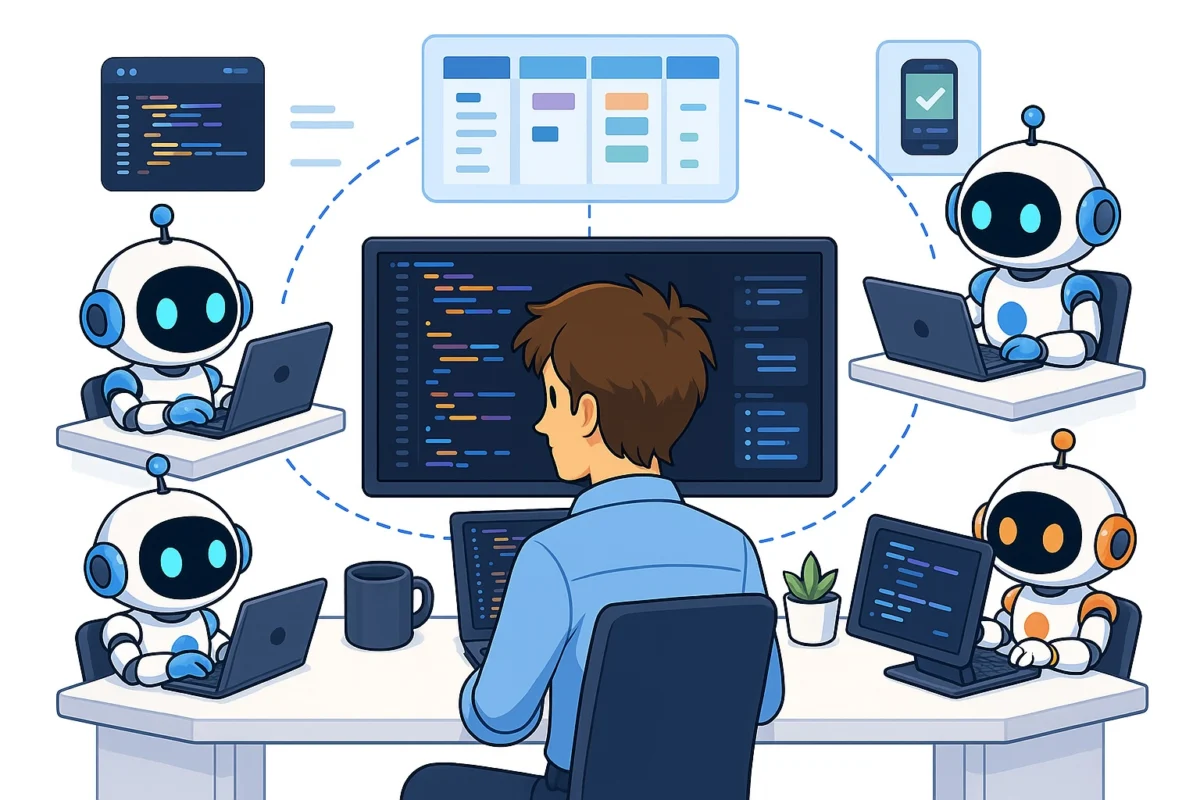
The rapid evolution of Large Language Models (LLMs) has transitioned the software development industry from simple code-completion tools to autonomous coding agents capable of executing complex multi-step tasks. As these agents become more sophisticated, the medium through which developers interact with them—the agent interface—has emerged as a critical factor in engineering efficiency. The choice of interface dictates the speed of execution, the clarity of task management, and the overall cognitive load placed on the developer. In an era where "agentic workflows" are becoming the standard, selecting an optimal orchestration platform is no longer a matter of aesthetic preference but a strategic necessity for maintaining a competitive edge in software production.
The Chronology of Coding Interface Evolution
The journey toward autonomous coding agents began with the integration of AI into Integrated Development Environments (IDEs). Initially, tools like GitHub Copilot focused on "ghost text" autocompletion, where the AI predicted the next few lines of code based on the current context. However, the release of more capable models, such as GPT-4 and Claude 3.5 Sonnet, shifted the paradigm toward "agentic" behavior.
In 2023, the industry saw the rise of specialized IDEs like Cursor, which integrated AI deeply into the editor’s core, allowing for "Composer" modes where the AI could write across multiple files. By 2024, the trend shifted toward Command Line Interface (CLI) agents. Tools like Claude Code and Codex began allowing developers to run agents directly within their terminals, granting the AI the ability to execute commands, run tests, and manage version control autonomously. This shift necessitated a new category of software: the agent interface or terminal orchestrator, designed specifically to manage multiple concurrent AI sessions.
Comparative Analysis of Modern Terminal Interfaces
The current market for coding agent interfaces is bifurcated between traditional terminals enhanced with AI and purpose-built applications designed to manage agentic workflows. Each category offers distinct advantages depending on the developer’s specific needs for speed, organization, and feature parity.
Warp: The AI-Enhanced Terminal
Warp represents a modern take on the traditional terminal, built using the Rust programming language for high performance. It was among the first to integrate AI natively, offering features like natural language command search and AI-driven error debugging. Warp’s primary strength lies in its "blocks" system, which treats every command and output as a distinct unit, making it easier to navigate long histories of agent interactions.
However, performance reports from veteran users have occasionally highlighted latency issues within the UI, even on high-specification hardware. While it offers automatic session naming and split-pane functionality, it remains a "terminal-first" tool rather than an "agent-first" orchestrator, which may limit its utility for developers running dozens of autonomous tasks simultaneously.
iTerm2: The Legacy Standard
For many developers, iTerm2 remains the baseline. As a robust, open-source terminal emulator for macOS, it provides a stable environment for running CLI-based agents. However, iTerm2 lacks the organizational features found in newer competitors. It does not natively categorize agent sessions or provide the high-level task overviews necessary for managing complex, multi-agent projects. In the context of 2024’s agentic workflows, a plain terminal is often viewed as a "bare-bones" option that places the burden of organization entirely on the human operator.
Emdash: The Power User’s Choice
Emdash has gained traction among developers who require full "feature parity" with CLI agents. Feature parity refers to the ability of an interface to support all commands and interactive elements of an agent, such as the specialized /goal commands in Claude Code. Because Emdash runs a full terminal environment within its application while providing a side-panel for tab management, it allows for a high degree of flexibility. Its support for split panes is a critical feature for developers who need to monitor an agent’s logs in one window while reviewing code output in another. Its primary limitation is a less structured organizational system compared to Kanban-style competitors.
Specialized Agent Management Applications
Beyond the terminal, a new class of applications has emerged that treats coding agents like project management tasks. These tools are designed to reduce the overhead of switching between different "thoughts" or branches of a project.
Conductor: Kanban for Agents
Conductor introduces a project management philosophy to coding agents. It organizes sessions into categories such as "Backlog," "In Progress," "In Review," and "Done." This visual hierarchy is highly effective for developers managing large-scale refactors or feature implementations where multiple agents are working on different components.

A significant drawback identified by early adopters is the lack of split-pane support, which can hinder the ability to cross-reference files. Furthermore, Conductor has faced challenges with feature parity; certain specialized commands in agents like Claude Code may not function correctly within its environment, forcing developers back to standard terminals for specific tasks.
Claude Code and Codex Native Apps
Both Anthropic (Claude) and the creators of Codex have released dedicated applications. These are generally considered the most beginner-friendly options, offering seamless integration with their respective models. They excel in mobile synchronization, allowing developers to monitor or prompt agents via smartphone—a feature that is increasingly valuable for long-running tasks like test suite generation or documentation builds. However, these native apps often lack the sophisticated tab management and multi-session organization required by senior engineers handling high-velocity workflows.
The Economic Landscape of Agentic Coding
The choice of interface also carries significant financial implications. The industry currently utilizes two primary pricing models: subscription-based and usage-based (token-based).
Data from recent developer surveys suggests that integrated tools like Cursor, while highly effective, can become expensive for high-volume users. This is because many specialized IDEs charge a premium for their custom orchestration layers on top of the underlying model costs. Conversely, using a CLI agent like Claude Code through a specialized terminal like Emdash or Warp often allows developers to pay only for the tokens they consume via API.
For an enterprise engineering team, the difference between a $20/month flat fee and a variable $200/month API bill can be substantial. However, the productivity gains from a superior interface often outweigh these costs. According to internal benchmarks from various tech firms, developers using optimized agent interfaces report a 25% to 40% reduction in the time spent on "boilerplate" tasks and environment setup.
Technical Considerations: Feature Parity and Split Panes
When evaluating an interface, two technical features stand out as non-negotiable for professional workflows:
- Feature Parity: As AI companies release proprietary CLI tools, they often include "slash commands" or interactive UI elements (like progress bars or multi-select menus) that are not part of standard shell protocols. If an interface does not support these, the agent’s functionality is effectively crippled.
- Pane Management: Modern coding often requires looking at the terminal, the source code, and the browser simultaneously. An interface that does not allow for "splitting" (viewing multiple terminal sessions in one window) forces the developer to constantly toggle between tabs, leading to "context switching" fatigue. Research in human-computer interaction suggests that even a one-second delay in finding information can disrupt a programmer’s "flow state."
The Broader Impact on Software Engineering
The shift toward specialized agent interfaces signals a broader change in the role of the software engineer. We are moving from a "manual labor" model of coding to an "orchestration" model. In this new environment, the engineer acts as a project manager and code reviewer for a fleet of AI agents.
Industry analysts suggest that within the next three years, the ability to manage multiple AI agents will be a core competency for developers. This will likely lead to the emergence of "Agentic Operations" (AgentOps) as a sub-discipline of DevOps. The tools discussed—Emdash, Conductor, Warp, and others—are the first generation of the workbenches that will define this era.
Implications for Future Development
As LLMs continue to decrease in latency and increase in context window size, the demands on the interface will only grow. We can expect future interfaces to include:
- Visual Debugging: Interfaces that can automatically render a UI based on the agent’s code output.
- Predictive Organization: AI that automatically moves agent sessions between "Backlog" and "Review" based on the task’s completion status.
- Cross-Tool Integration: Terminals that can seamlessly pass data between an agent in the CLI and a debugger in the IDE.
For the individual developer, the recommendation is to spend at least 20 to 30 minutes testing each major interface. Given the high stakes of engineering productivity, the "optimal" setup is a personal discovery that must balance the need for deep technical control (terminal-first) with the need for high-level organization (app-first). As the ecosystem matures, the distinction between the terminal and the IDE will likely continue to blur, eventually resulting in a unified "Agentic Development Environment."

