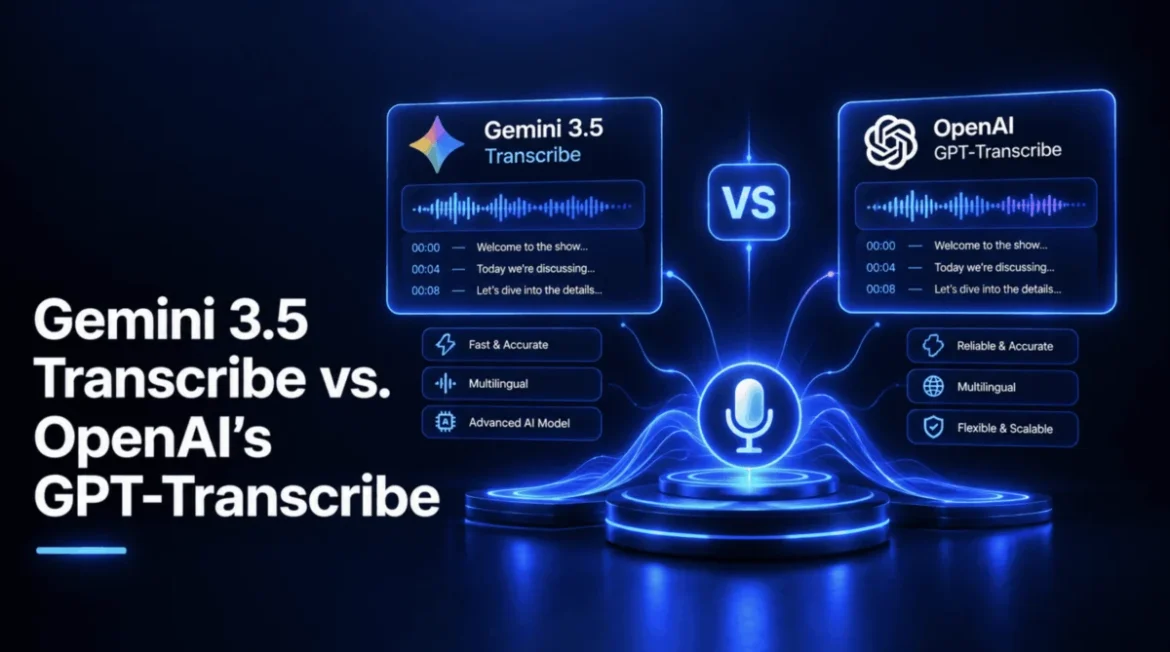
The rapid evolution of Large Language Models (LLMs) has shifted the focus of AI development from general generative tasks to highly specialized, high-fidelity modalities. On August 26, 2026, Google introduced Gemini 3.5 Transcribe, a sophisticated suite of transcription models designed to address the increasing demand for precision in audio processing. This launch arrived exactly four weeks after OpenAI released its own flagship transcription solution, GPT-Transcribe, on July 28, 2026. These back-to-back releases represent a pivotal moment in the audio AI industry, offering developers and enterprises a rare opportunity to evaluate two high-performance, contemporary models without the typical performance skew caused by comparing different generational tiers of technology.
The Evolution of Transcription Architecture
To understand the significance of these releases, one must look at the recent lineage of speech-to-text (STT) models. For years, OpenAI’s Whisper reigned as the industry standard for open-source and API-based transcription. However, the paradigm has shifted toward "native" transcription—models built directly into the core architecture of an LLM rather than layered on top as an auxiliary task.
OpenAI’s transition from the original Whisper to the gpt-4o-transcribe model in March 2025 marked the beginning of this shift. By abandoning the older, decoupled approach, OpenAI sought to leverage the reasoning capabilities of its GPT-4o architecture to improve context retention during long-form audio processing. Google’s Gemini 3.5 Transcribe follows a similar philosophy, replacing the company’s previous Chirp 3 infrastructure. Google claims a 70% improvement in time-to-final-transcription compared to its predecessor, a metric that highlights the industry’s pivot toward latency reduction as a primary competitive advantage.
Chronology of Recent Industry Milestones
The competitive landscape for audio transcription has accelerated significantly over the past 18 months:
- March 2025: OpenAI launches gpt-4o-transcribe, signaling the end of the standalone Whisper era and the integration of transcription into the GPT-4o ecosystem.
- July 28, 2026: OpenAI releases GPT-Transcribe, optimizing the model for native, low-latency streaming and cost-effective file processing.
- August 26, 2026: Google responds with the release of Gemini 3.5 Transcribe, introducing specialized endpoints for both real-time and asynchronous processing.
This compressed timeline demonstrates a "feature-war" environment where the primary battleground has moved from raw accuracy to infrastructure efficiency, cost-per-minute, and ease of integration.
Performance Benchmarks and Data Accuracy
Data provided by independent research firm Artificial Analysis underscores the distinct performance profiles of these two systems. Google reports that Gemini 3.5 Transcribe achieves a 4.0% Word Error Rate (WER) in streaming environments and a 2.6% WER for pre-recorded, high-quality audio files. These figures are notable because they represent a maturation of the technology, moving well beyond the "experimental" phase of speech recognition.
Conversely, OpenAI has benchmarked its GPT-Transcribe against the Common Voice dataset, showing that it has halved the error rates of the original Whisper model. While OpenAI’s reported 19.27% WER on Common Voice may appear higher than Google’s metrics, it is important to note that these benchmarks often utilize different test sets and criteria. OpenAI’s primary value proposition lies in its aggressive pricing model, setting the benchmark for industry costs at $0.0045 per minute for file transcription and $0.017 per minute for streaming sessions.
Strategic Differentiators: Diarization and Latency
The most significant divergence between these two platforms lies in their architectural feature sets. Gemini 3.5 Transcribe is designed as a "full-stack" solution. It includes native speaker diarization—the ability to identify and separate different voices in an audio stream—and word-level timestamps. By integrating these capabilities directly into the model, Google removes the need for developers to pipe audio through secondary, specialized models.
OpenAI, by contrast, has maintained a more modular approach. GPT-Transcribe is optimized for speed and cost, but it does not perform speaker diarization or provide intrinsic word-level timestamps in its default configuration. For these features, OpenAI developers must still rely on the gpt-4o-transcribe-diarize model or the older whisper-1 framework. While this modularity offers flexibility for simple, single-speaker applications, it introduces complexity for developers building enterprise-grade meeting analytics software.
Implementation: A Technical Comparison
The technical implementation of these models reveals how each company envisions its product being used in the field.
For a developer working with Google’s Gemini 3.5 Transcribe, the process is streamlined through the gemini-3.5-transcribe endpoint. The model accepts raw audio input and a natural language instruction, returning a clean, speaker-attributed transcript in a single pass. This is an ideal workflow for applications like legal transcription, medical documentation, or corporate meeting summaries, where the cost of complexity is high.
OpenAI’s approach with gpt-live-transcribe focuses heavily on the WebSocket-based streaming experience. By appending audio buffers to a persistent connection, developers can achieve the sub-second latency required for live captioning at events. The model provides incremental "delta" events, allowing the user interface to update in real-time as the speaker progresses. This focus on "stream-first" performance makes GPT-Transcribe a formidable contender for broadcast-style applications where speed is the absolute priority.
Implications for the Enterprise Sector
The emergence of these high-performance models carries significant implications for the software-as-a-service (SaaS) sector. Companies that previously relied on third-party transcription APIs are now finding that they can migrate to these native solutions, reducing latency and potentially decreasing costs.
The move toward "multi-modal" intelligence, where the model can not only transcribe audio but also perform follow-up tasks like image generation or data analysis, represents the next phase of the industry. Google’s integration of these capabilities into its macOS Gemini app suggests that transcription is becoming a gateway to deeper AI reasoning. When a model can transcribe a meeting and then immediately draft a summary or create an action item list based on the spoken context, the utility of the transcription tool increases exponentially.
Broader Industry Impact
Industry analysts suggest that the competition between Google and OpenAI will likely result in a "commoditization of transcription." As error rates continue to trend downward toward human parity—generally accepted as being below 5% for clear audio—the competitive differentiation will rest almost entirely on secondary factors: the depth of speaker identification, the quality of multilingual support, and the ease with which these models integrate into existing developer workflows.
Furthermore, the introduction of "custom vocabulary" support in both platforms addresses a long-standing pain point in the industry: the difficulty of transcribing technical, medical, or industry-specific jargon. By allowing developers to provide hints or context, both Gemini 3.5 Transcribe and GPT-Transcribe are becoming more viable for niche professional use cases that were previously underserved by generic models.
Concluding Perspectives
The selection between Gemini 3.5 Transcribe and GPT-Transcribe ultimately depends on the specific requirements of the project. If a development team is looking for a comprehensive solution that handles diarization, timestamps, and transcription in a single, robust API call, Gemini 3.5 Transcribe offers a distinct advantage by reducing the total number of moving parts in a production pipeline.
Conversely, for teams prioritizing a lightweight, cost-effective, and highly responsive stream for live captioning or single-speaker applications, OpenAI’s GPT-Transcribe remains a highly efficient choice. The rapid release cycle observed in the summer of 2026 suggests that neither company is standing still; as these models continue to evolve, the distinction between "transcription" and "intelligent listening" will continue to blur, ushering in a new era of AI-driven communication tools that can effectively interpret and act upon the nuances of human speech.
As the market continues to react to these releases, the primary beneficiaries remain the developers and end-users who now have access to enterprise-grade audio intelligence at a scale and price point that were largely inaccessible only a few years ago. Whether for archival purposes, real-time engagement, or analytical processing, the latest generation of transcription models is setting a new standard for accuracy and operational efficiency.